The official Ledgerly guide · v3.8.5
Household finances,
made clearer.
Understand where your money goes, plan a normal month and make room for what matters. Start with your bank's CSV statements. Keep your household records on the computer running Ledgerly.
For macOS and Windows · Early testing release · No Open Banking connection required
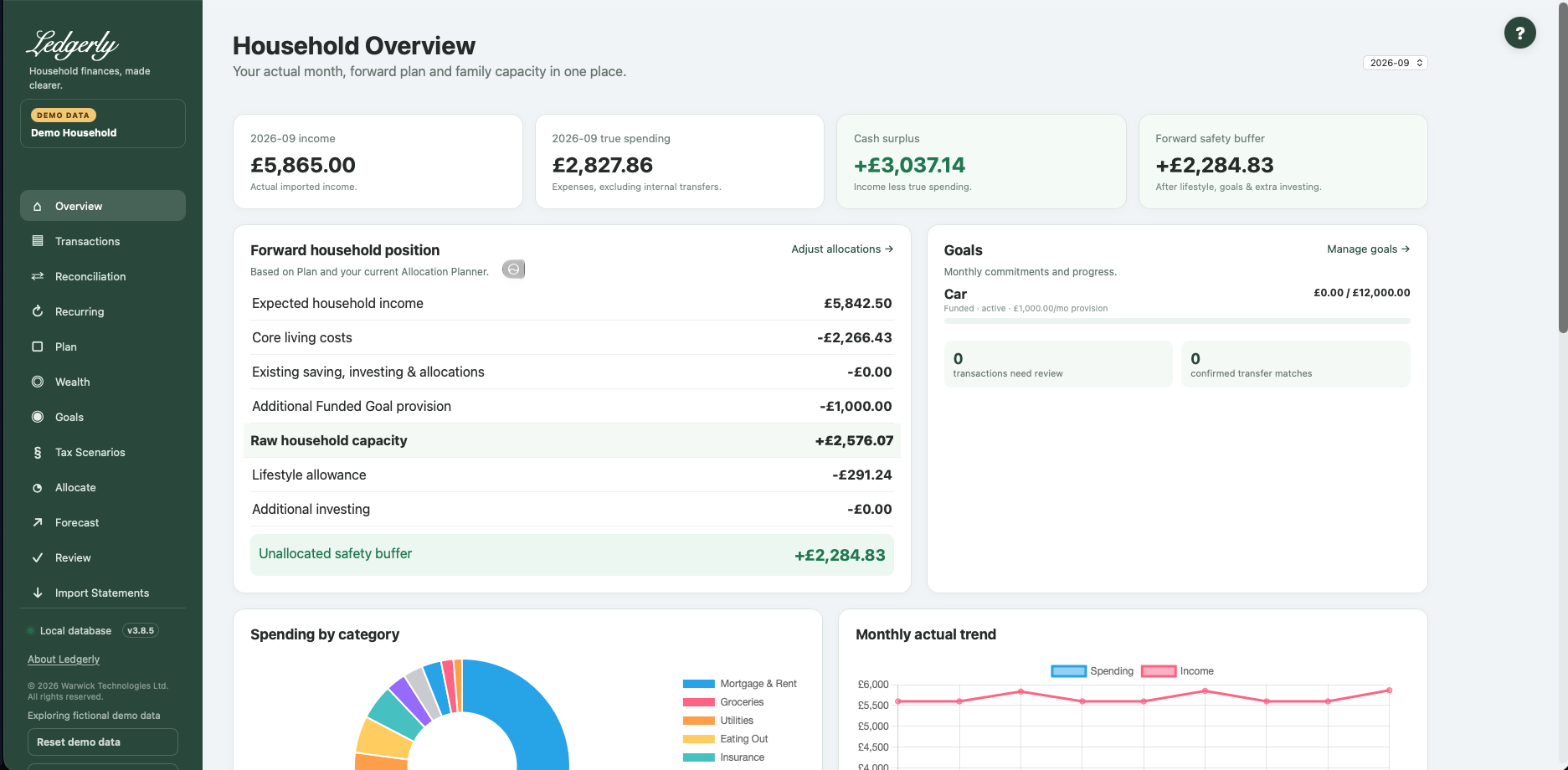
Install with confidence
Choose your platform, complete local HTTPS setup and keep existing data safe during upgrades.
Learn the everyday workflow
Import, review and reconcile. Then build a Plan that reflects how your household actually works.
Understand every screen
Find field-by-field instructions, worked examples and the relationships behind Ledgerly's numbers.
Find an answer
Resolve import problems, understand headroom and learn what Ledgerly currently does—and where it has limits.
One household story, from statements to plans
You do not need to set everything up on day one. A few months of clean transaction history make normal-spending estimates more useful. Ledgerly keeps actual spending, future commitments and what-if scenarios distinct.
Your data, your computer
Ledgerly stores financial records locally, without a Ledgerly-hosted financial-data account. Installation downloads dependencies; normal installed use can work offline. Local storage is not the same as encrypted storage or a cloud backup. Access controls also have early-release limitations: use Ledgerly only with people you trust.
Data & privacy · Known limitations · What changed in v3.8.5
Need help? help@getledgerly.co.uk.