Review
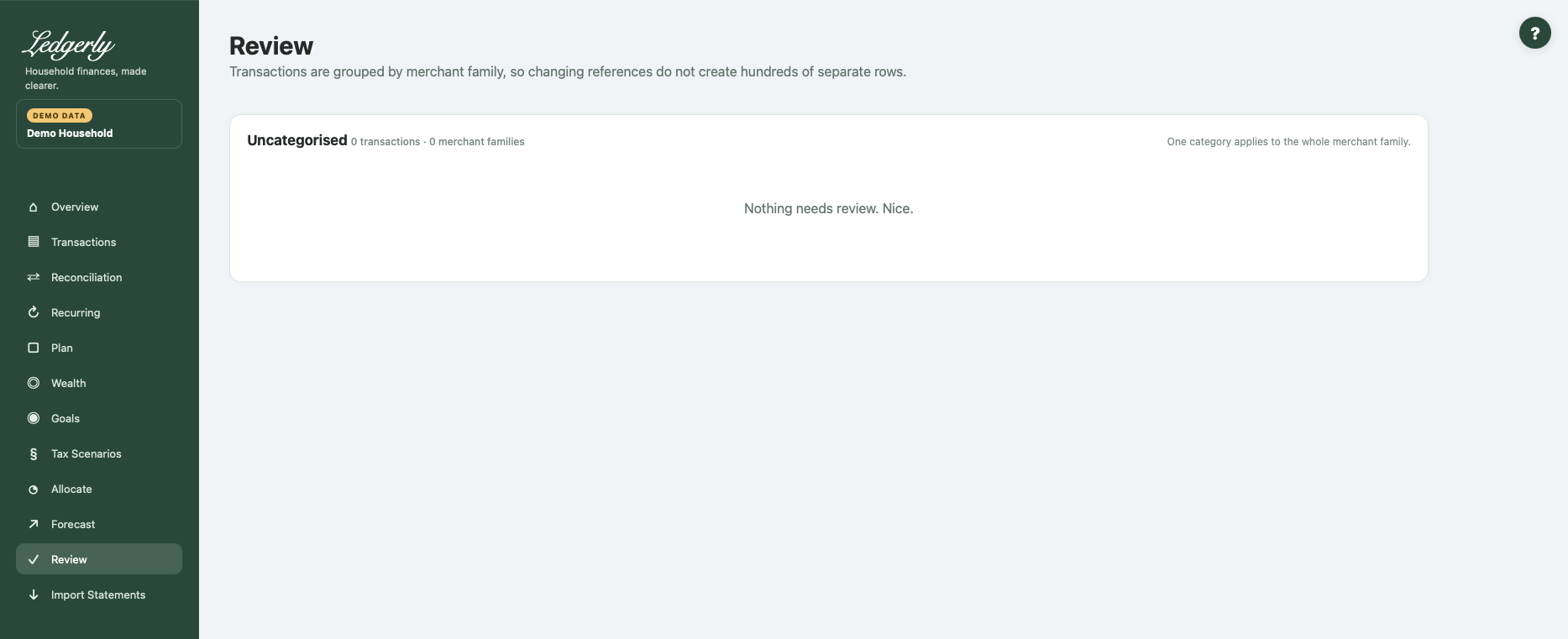
Open Review after importing. It is the categorisation inbox for pending transactions, grouped by merchant family so changing bank references do not necessarily create a separate row for every entry.
Work through unfamiliar families
- Read the merchant-family name, sample descriptions, account information and transaction totals.
- Choose a category for a family you recognise. Leave the blank Leave for review choice for anything uncertain.
- Keep or clear Remember as appropriate.
- Select Save selected categories to apply chosen categories to pending entries in those groups.
- Check Transactions for individual exceptions, then Reconciliation and Recurring.
Fields and choices
| Field | Defaults, required values and validation | What changes |
|---|---|---|
| Category for merchant family | Default Leave for review (blank) skips; category selected applies to current pending family | Confirms all pending transactions in family |
| Remember checkbox | Checked by default; only stored as prefix rule when safe leading prefix for all samples | Learns category for future imports |
Remember is checked by default. When it is safe to identify the family by a common leading description, Ledgerly can save that category for future imports. It does not guarantee every similar-looking merchant will always match.
Understand the group
A family can span multiple accounts within the household. Its net total may hide a mixture of debits and credits; use the transaction/debit/credit counts and examples to understand it. Review changes currently pending members of the family. Merchant + future in Transactions has a broader effect on all matching household-family entries.
Example: several bank descriptions for the fictional Harvest supermarket can be grouped. Categorising the pending family as Groceries confirms those entries. A supermarket refund remains in the same expense category and offsets spending.
The probable-transfers section is informational here; confirm/reject in Reconciliation. An empty Review page means no pending families, not necessarily that all categories, transfers or Plan assumptions are correct.
Common mistakes: applying one category to a mixed-purpose family without inspecting samples, treating Remember as an exact bank-ID rule, or assuming a saved Review category changes the original bank amount/date.
Related: Transactions, Reconciliation, imports, FAQ, troubleshooting.